
Product tours.
Click through MemoriaOS one job at a time. No sign-up.
All tours
- Now showingIntakeFrom worksheet to caseFollow one arrangement from the paper worksheet to a finished case.8 steps · about 90 secondsPlay
- CasesCase file, every tabOpen a case and step through every tab, from the overview to Family Tools.11 stepsOpen
- DashboardDashboard overviewSee every location at once, the week ahead and every case at a glance.5 stepsOpen
- ArrangementsArrangement ModeWalk a family through the arrangement, full-screen in the conference room.7 stepsOpen
- FamiliesFamily PortalWhat families see in their portal, from vitals to aftercare.12 stepsOpen
- ObituariesObituary builderDraft the obituary and build the death notice from the case.4 stepsOpen
- PaperworkDocuments & signingSign in the room or by email, and fill forms from the case.4 stepsOpen
- BillingBuilding a statementBuild a statement from a package and your price list.8 stepsOpen
- FinancialsFinancials & reportsStatements, payments, profit and loss, receivables and reports.6 stepsOpen
- ContactsRolodexYour shared directory of cemeteries, clergy and vendors.3 stepsOpen
- Your teamHR & staffPTO requests, staff access, timesheets and time off.4 stepsOpen
From worksheet to case
Follow one arrangement from the paper worksheet to a finished case.
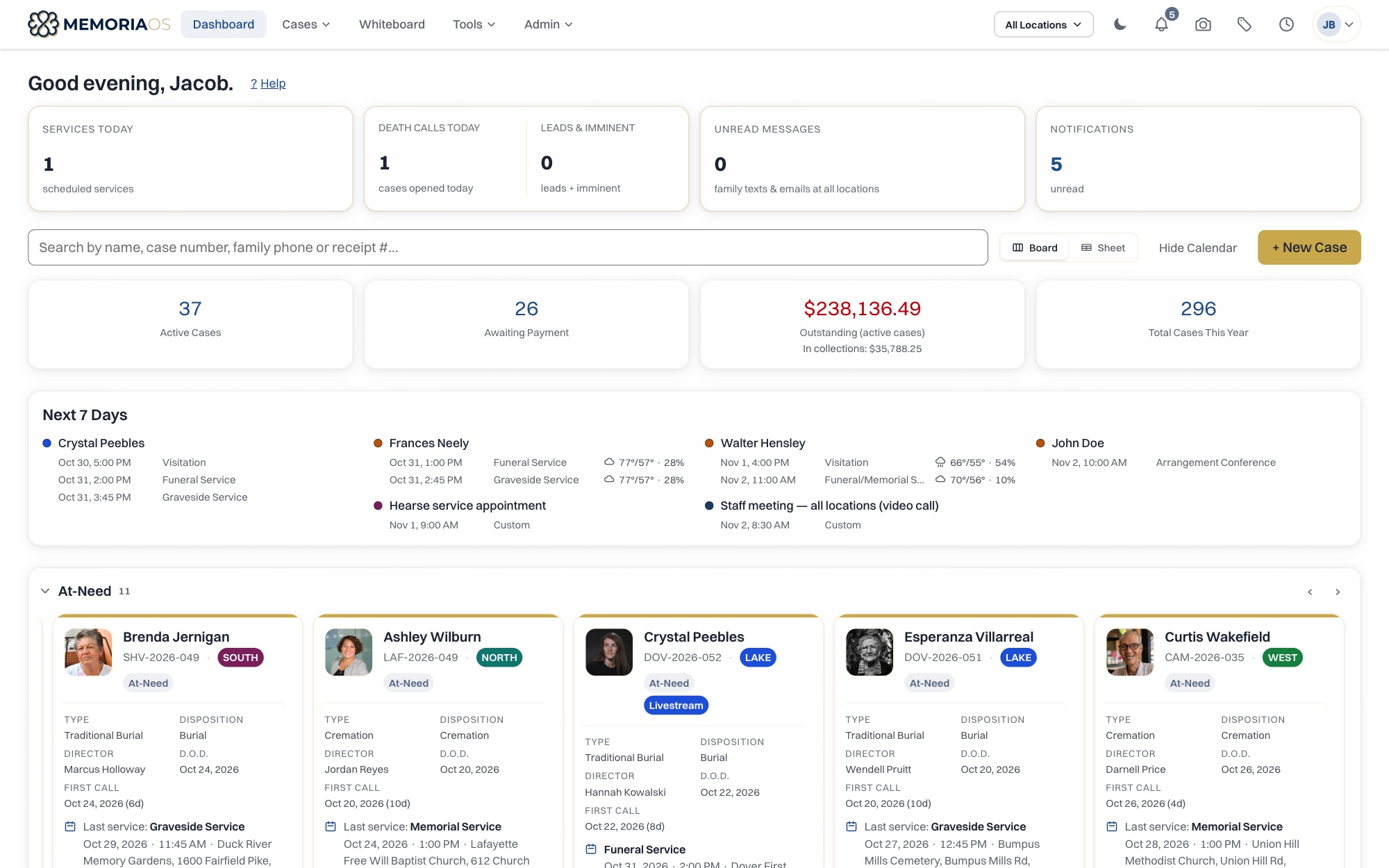
From worksheet to case
8 steps, about 90 seconds.
No sign-up. Click the gold dot to move through it.
These are real MemoriaOS screens with sample data.